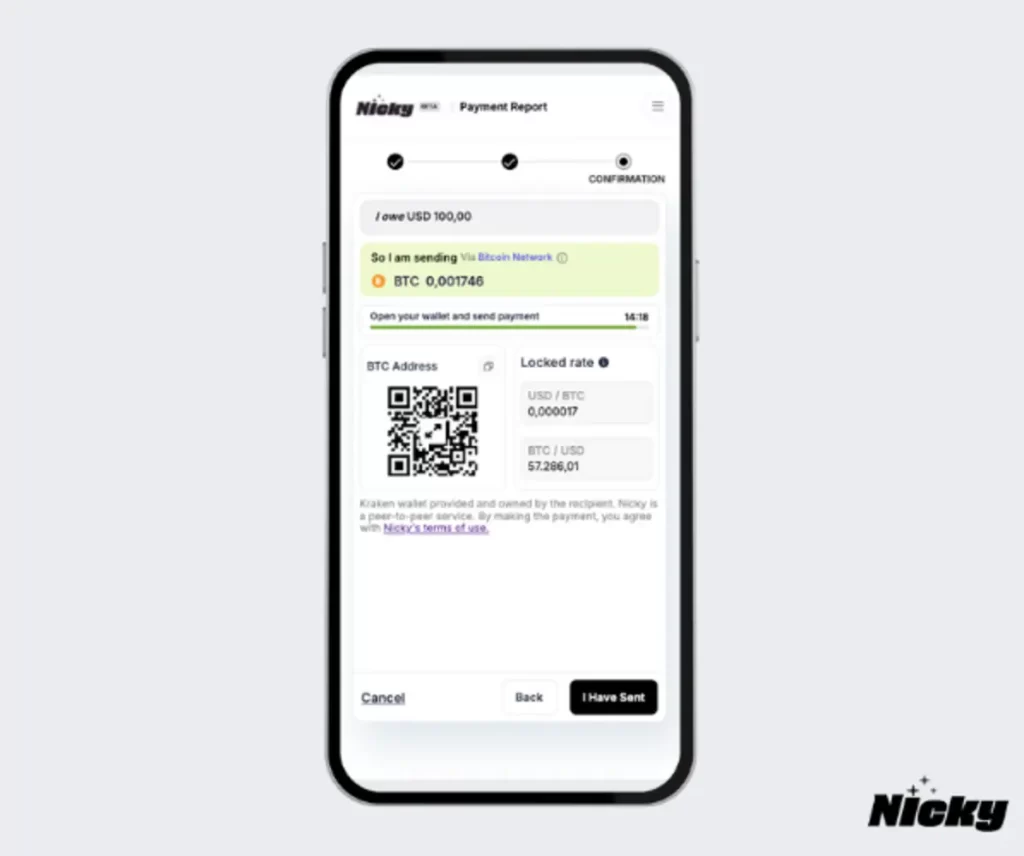
Accept Cryptocurrency Payments with the Nicky WHMCS Plugin
Expand your business’s payment options by integrating crypto payments directly into your WHMCS checkout flow, with the Nicky WHMCS Plugin. Designed for seamless integration, our plugin enables you to accept crypto from your hosting customers.
Payments go straight to your own wallet, eliminating any security risks or middlemen. Nicky does not touch the funds, and is compatible with all wallets. Automated conversions and bank withdrawals are optional on supported exchanges.

Ready to Get Started?
Get started now and empower your business with Crypto – the future of payments!
Subscription Packages & Pricing
Nicky does not charge any transaction fees. You can create your Nicky account for free, and upgrade to a paid plan if you want to use our WHMCS Plugin.
FREE
$0 /month
- Connect any wallet
- Max 10 transactions
- Max $10,000 transaction volume
- Automated Bank Withdrawal
- Export functionality
- Email support
BUSINESS
$10 /month
- Everything in the FREE package +
- Unlimited number of transactions
- Unlimited monthly transaction volume
- Transaction fee 0.4%
Why Choose the Nicky WHMCS Plugin?

Automated Payment Processing
Simplify the way you collect crypto payments with an automated system that handles transactions effortlessly.

Wide Cryptocurrency Support
Accept payments in various cryptocurrencies to meet the preferences of tech-savvy customers.

Secure and Reliable
Built with security at its core, Nicky ensures that transactions are secure, directly peer to peer, protecting both your business and your customers.

Fiat Settlement Options
Avoid cryptocurrency price volatility by settling payouts in your preferred fiat currency, such as USD, EUR, or GBP.

Streamlined WHMCS Integration
Install and configure the plugin quickly, and manage everything from billing to payment tracking in one platform.

Expand Your Customer Base
Attract crypto users, stand out with cutting-edge payment options, and offer greater flexibility.
How to get started?
Activate the Module
Create your Nicky Account and request AUTH Token:
- Create a Nicky account
- Setup your Nicky user, including connecting to your wallet.
- Send an email to [email protected], include the email address you signed up with, and request an upgrade and an AUTH Token.
In your WHMCS admin panel
- Log in to your WHMCS admin panel.
- Navigate to Setup > Payments > Payment Gateways.
- Find and activate the “Nicky” payment gateway.
Configure the Module:
- Go to the “Manage Existing Gateways” section in your WHMCS admin.
- Enter the AUTH Token and save the changes.
Receive Crypto Payments
With our WHMCS Plugin